Piooy
Piooy
Showcases
BlogPricing
Piooy
Piooy

Piooy is a powerful next-gen AI image generator platform, capable of ultra-realistic scenes, accurate text rendering and fine-grained simulation.
Providing access to advanced models like Nano Banana Pro, it delivers unmatched precision and professional-grade output.

AI Image

  • AI Image Generator
  • Text to Image Generator
  • Image to Image Generator
  • AI Image Editor
  • Image Generators
  • Floor Plan Generator

AI Video

  • AI Video Generator
  • Text to Video Generator
  • Image to Video Generator
  • Veo 3.1
  • Sora 2
  • Seedance 2.0

AI Tools

  • Photo Restoration
  • Watermark Remover
  • Image Upscaler
  • Remove Background
  • AI ID Photo Generator
  • Professional Headshot

Resources

  • Blog
  • Showcases
  • Changelog
  • API Docs
  • Pricing
  • FAQ
© 2026 Piooy, All rights reserved
Privacy PolicyTerms of ServiceRefund PolicyRefund RequestAbout Us
deDeutschenEnglishesEspañolfrFrançaiszh-HK繁体中文ja日本語ko한국어trTürkçezh中文heעבריתplPolski
This service is powered by advanced AI API technology. We are an independent third-party service provider dedicated to providing optimized technical support to users. This site has no direct affiliation with Google or other model providers.

Generation Type

Video Models
01

Model

02

Prompt

0 / 2000
03

Duration

This generation costs0 Credits

Model

AI Text to Video Generator workspace

Video
Output Format

Sample Video

AI Text to Video Generator

Turn written prompts into short AI videos for stories, ads, product shots, social posts, and cinematic scene ideas.

Prompt
Model
Duration

Tools

Prompt
Model
Duration

✨ Optimize Prompt

AI models perform best with English prompts. Click ✨ to auto-translate & refine your prompt.

SEO workflow guide

Create AI videos from text prompts

Turn written prompts into short AI videos for stories, ads, product shots, social posts, and cinematic scene ideas.

How to use it

  1. 1Write a clear prompt with subject, action, setting, camera movement, and style.
  2. 2Choose a video model, duration, aspect ratio, and quality setting.
  3. 3Generate your AI video from text.
  4. 4Adjust the prompt and regenerate to refine motion, framing, or mood.

Best use cases

  • •Storyboard cinematic scene ideas before production.
  • •Create social media clips from campaign concepts.
  • •Generate product motion shots without a source image.
  • •Explore character action, camera movement, and atmosphere quickly.

Prompt examples

  1. Prompt: A cinematic close-up of a glass perfume bottle on wet stone, slow dolly-in, golden sunrise reflection, luxury commercial style.
  2. Prompt: A tiny robot walking through a rainy neon alley, handheld camera, shallow depth of field, emotional sci-fi mood.
  3. Prompt: A fitness sneaker floating above a reflective floor, rotating slowly, energetic studio lighting, high-end product ad.
  4. Prompt: A peaceful mountain cabin at dusk, smoke from the chimney, slow aerial push-in, realistic cinematic lighting.

Related AI tools

Continue the creative workflow with focused generators and editors.
AI Image to Video Generator

Continue your creative workflow with this related AI tool.

Text to Image Generator

Continue your creative workflow with this related AI tool.

AI Video Generator

Continue your creative workflow with this related AI tool.

探索所有 12 款 AI 视频生成模型

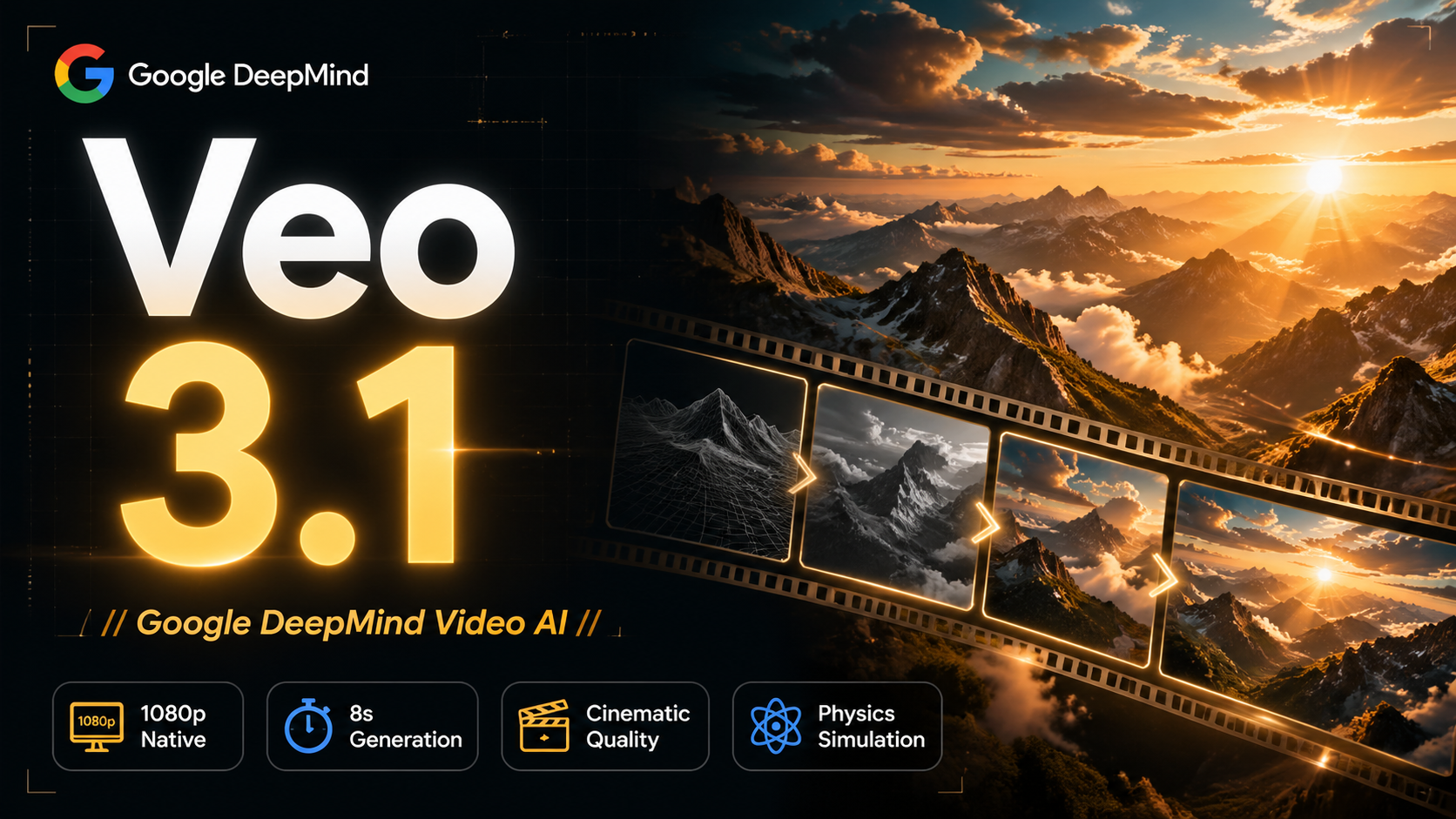
Veo 3.1 Quality

Veo 3.1 Quality

Google's latest flagship video generation model. Veo 3.1 Quality features industry-leading physics engine and ultra-high fidelity, perfectly replicating real-world textures, dynamics and details. Supports 16:9, 9:16 and Auto aspect ratios, ideal for commercial-grade high-quality video production.
Physics SimulationRealistic TextureCommercial QualityDynamic Details+2
查看详情
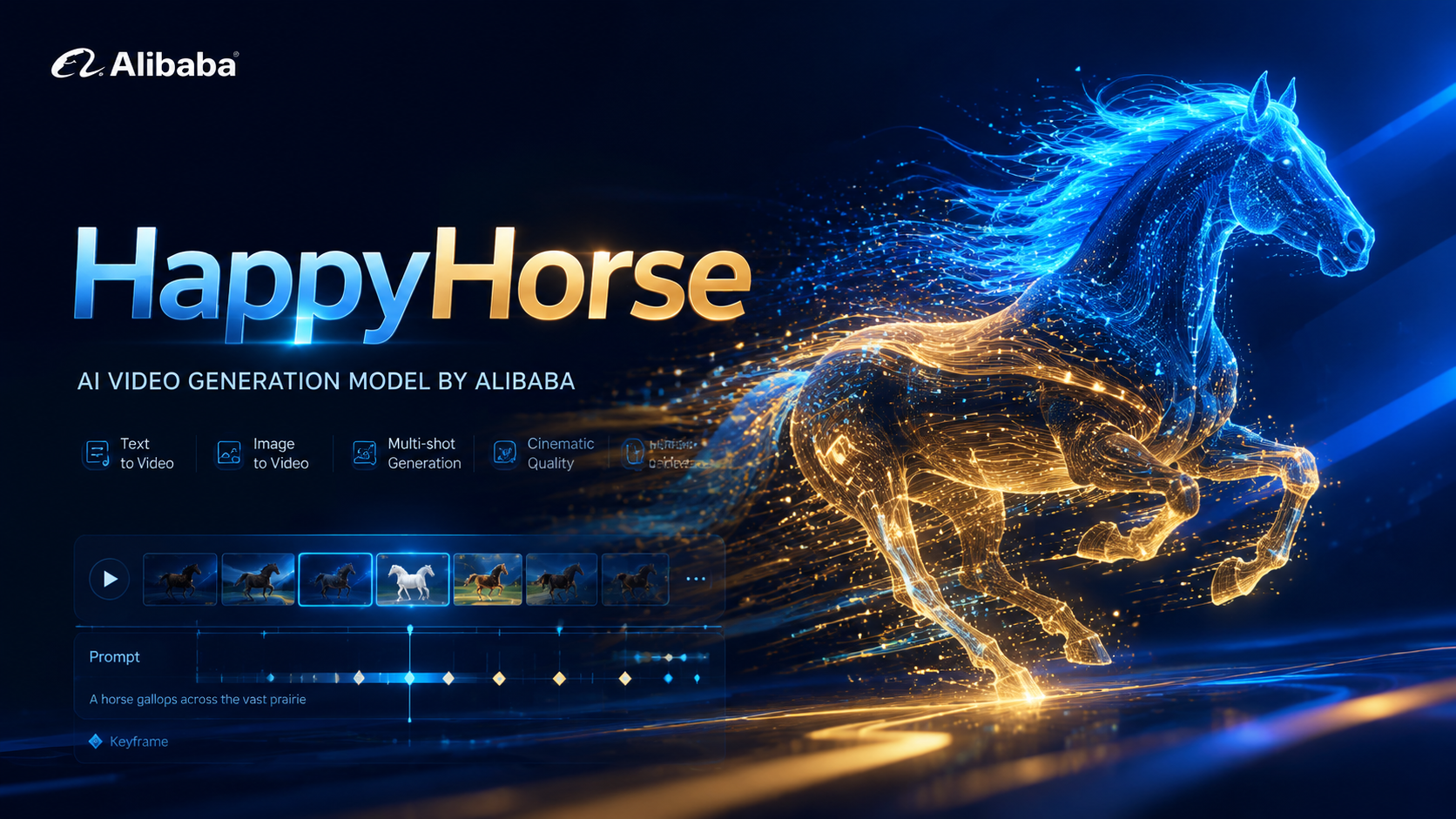
HappyHorse

HappyHorse

HappyHorse is Alibaba's next-generation multimodal video model with native audio-video co-generation. A single unified model handles four scenes — text-to-video, image-to-video, multi-image reference-to-video, and in-place video editing — making it ideal for ads, e-commerce, short drama, and social creatives.
Native multimodalUnified model4 scenes in oneVideo editing+2
查看详情
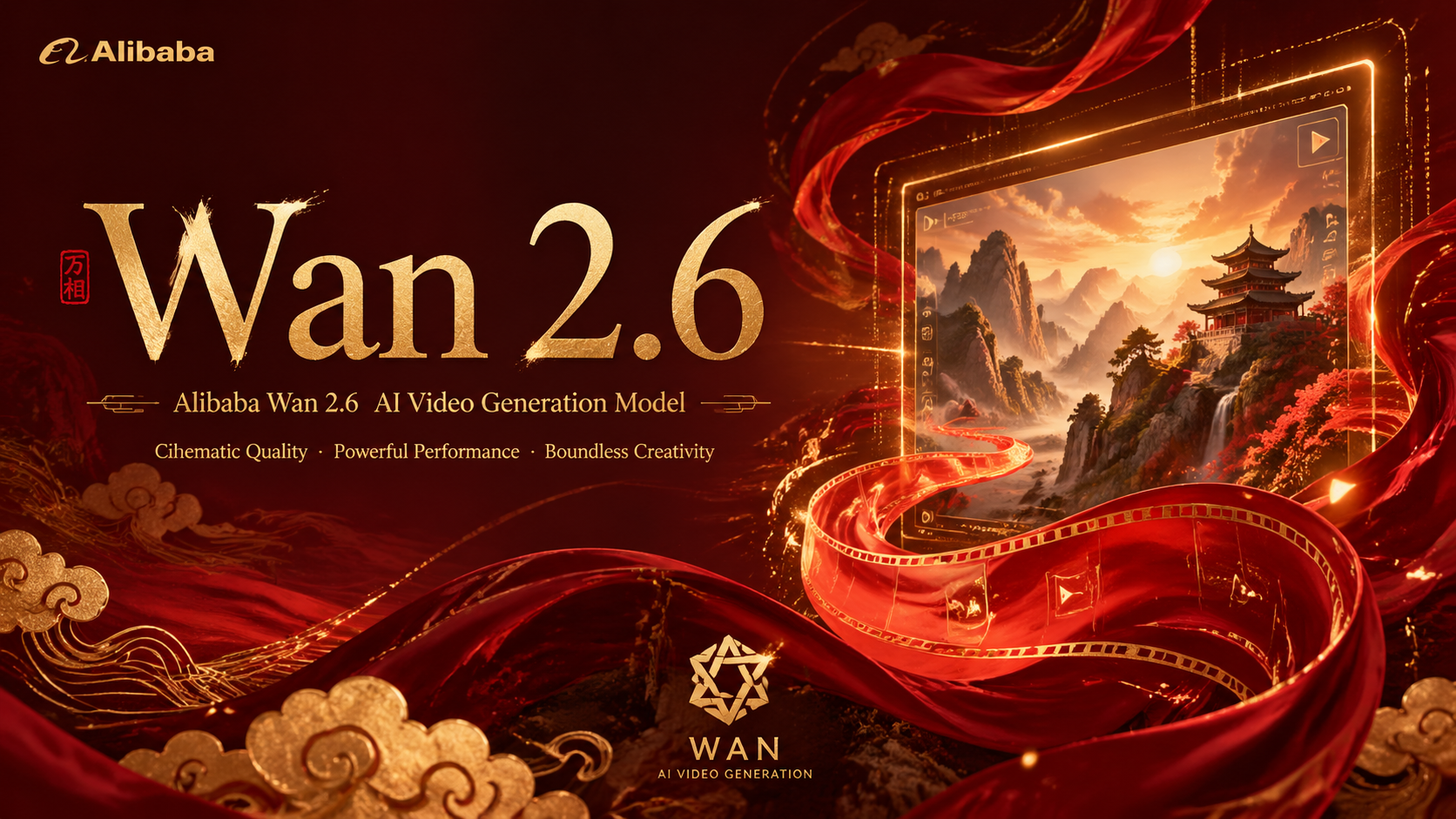
Wan 2.6

Wan 2.6

Wan 2.6 is an advanced video generation model supporting text-to-video, image-to-video, and video-to-video modes. Offers duration options of 5s, 10s, and 15s with 720p and 1080p resolutions. Features multi-shot capabilities for creating diverse video content.
Multi-Shot DesignLong DurationMulti-Mode SupportSelectable Resolution+2
查看详情
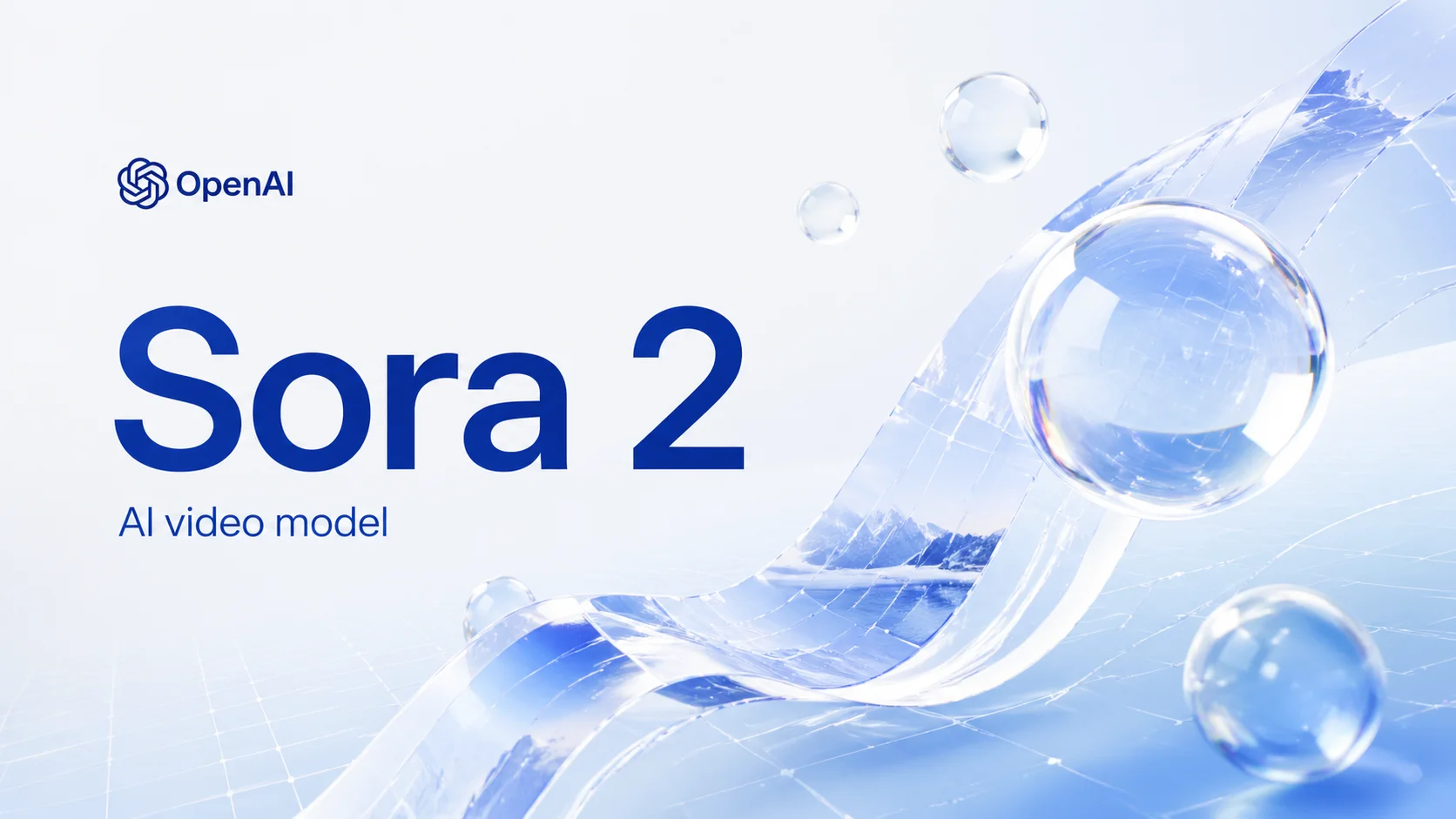
Sora 2

Sora 2

The standard edition of the Sora series. Maintains OpenAI's superior prompt understanding while optimizing for speed and cost. Perfect for storyboarding, social media shorts, and rapid creative iteration.
Top Physics EngineSemantic Power4K Ultra HDExtended Duration+2
查看详情
Kling Motion Control

Kling Motion Control

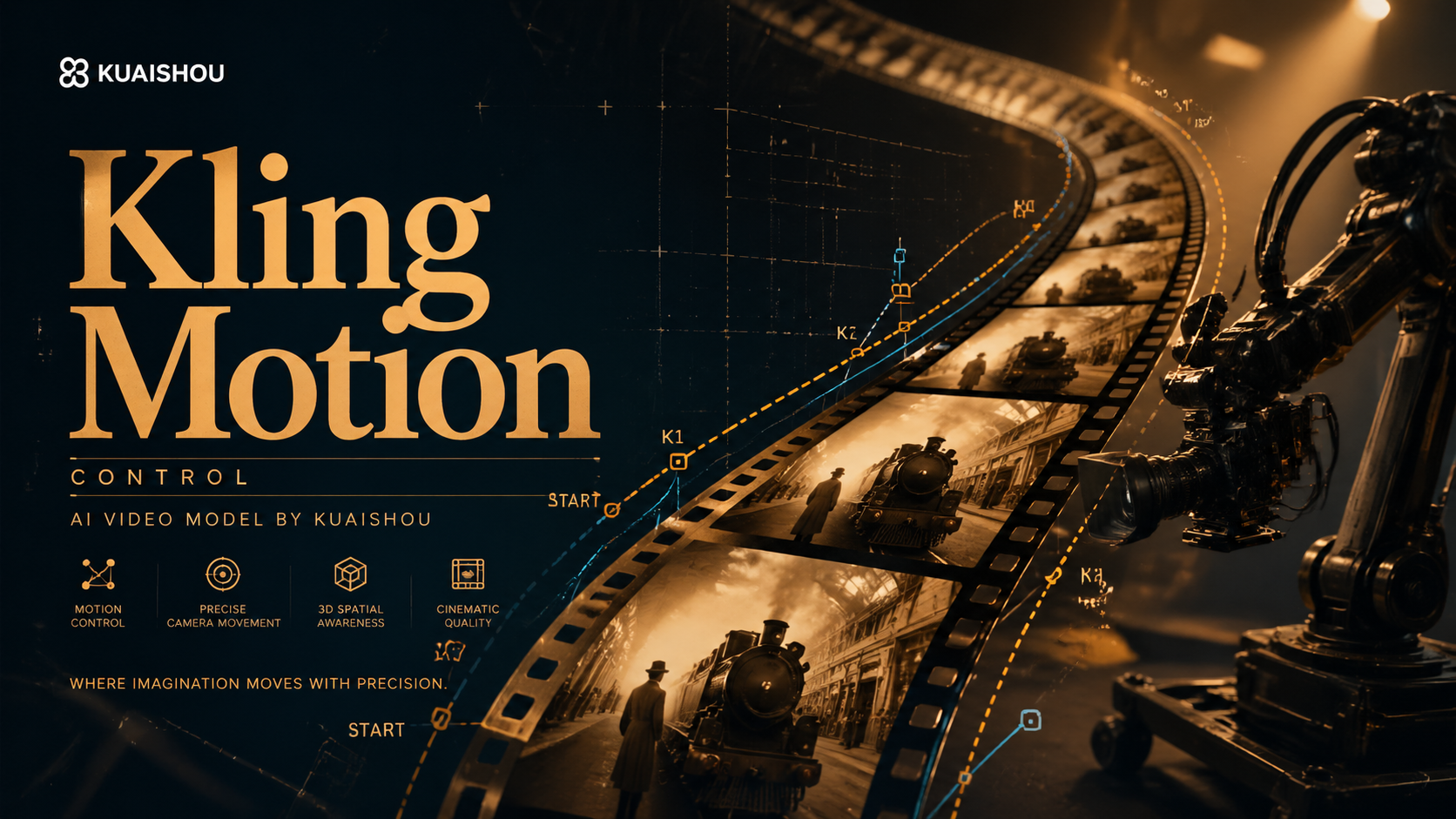
Kling Motion Control model precisely controls character movements and poses by uploading reference images and videos. Supports 3-30 second videos, generates character actions consistent with references, ideal for character animation and motion transfer scenarios.
Precise Pose ControlMotion ConsistencyMotion TransferCharacter Animation Expert+2
查看详情
Kling 2.6

Kling 2.6

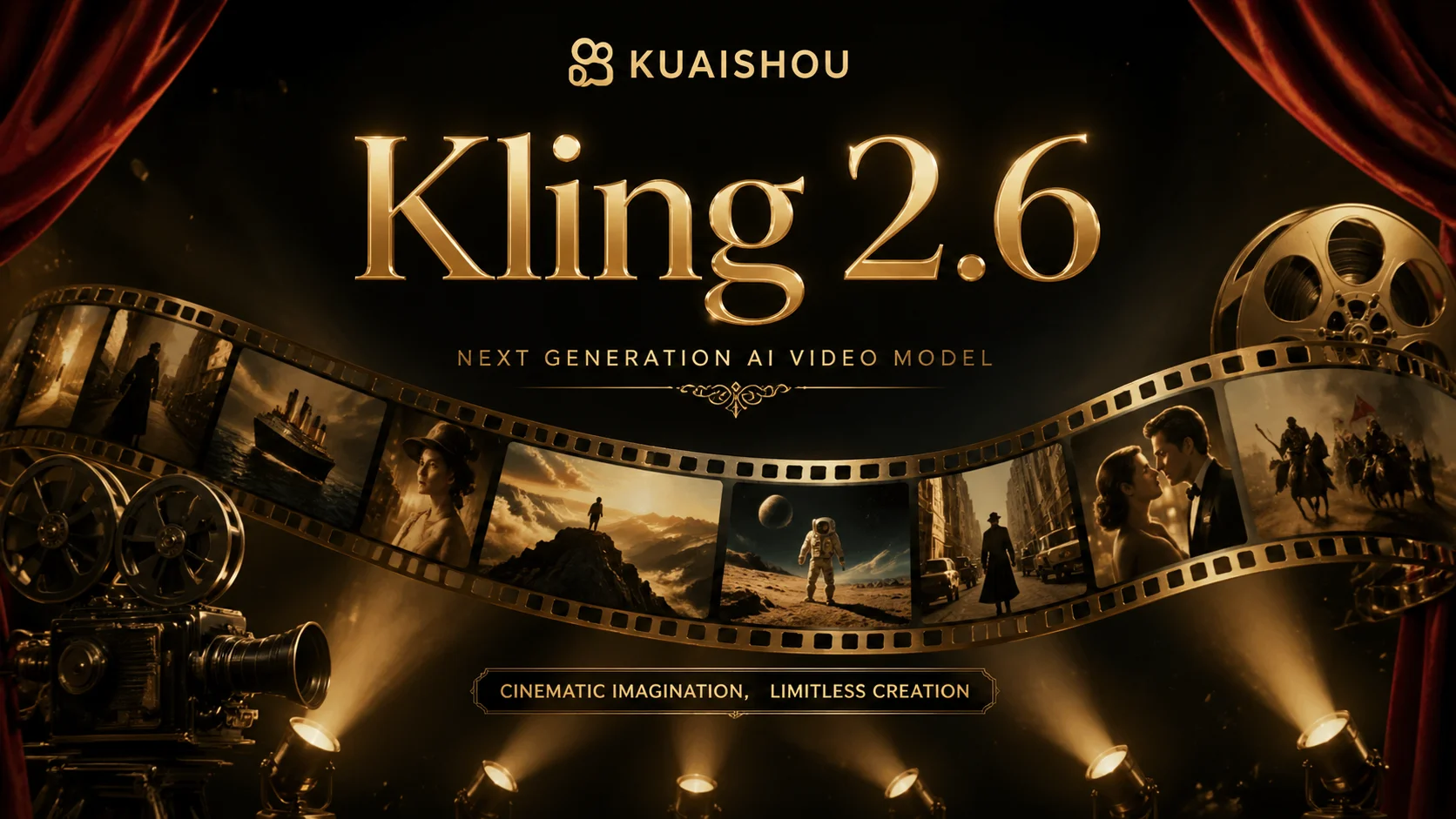
Renowned for capturing complex motion and physical laws. Kling 2.6 excels at generating high-dynamic character movements, intricate object interactions, and cinematic camera movements with fluidity.
Physics ExpertHigh-Dynamic MotionObject InteractionCinematic Camera+2
查看详情
Seedance 1.5 Pro

Seedance 1.5 Pro

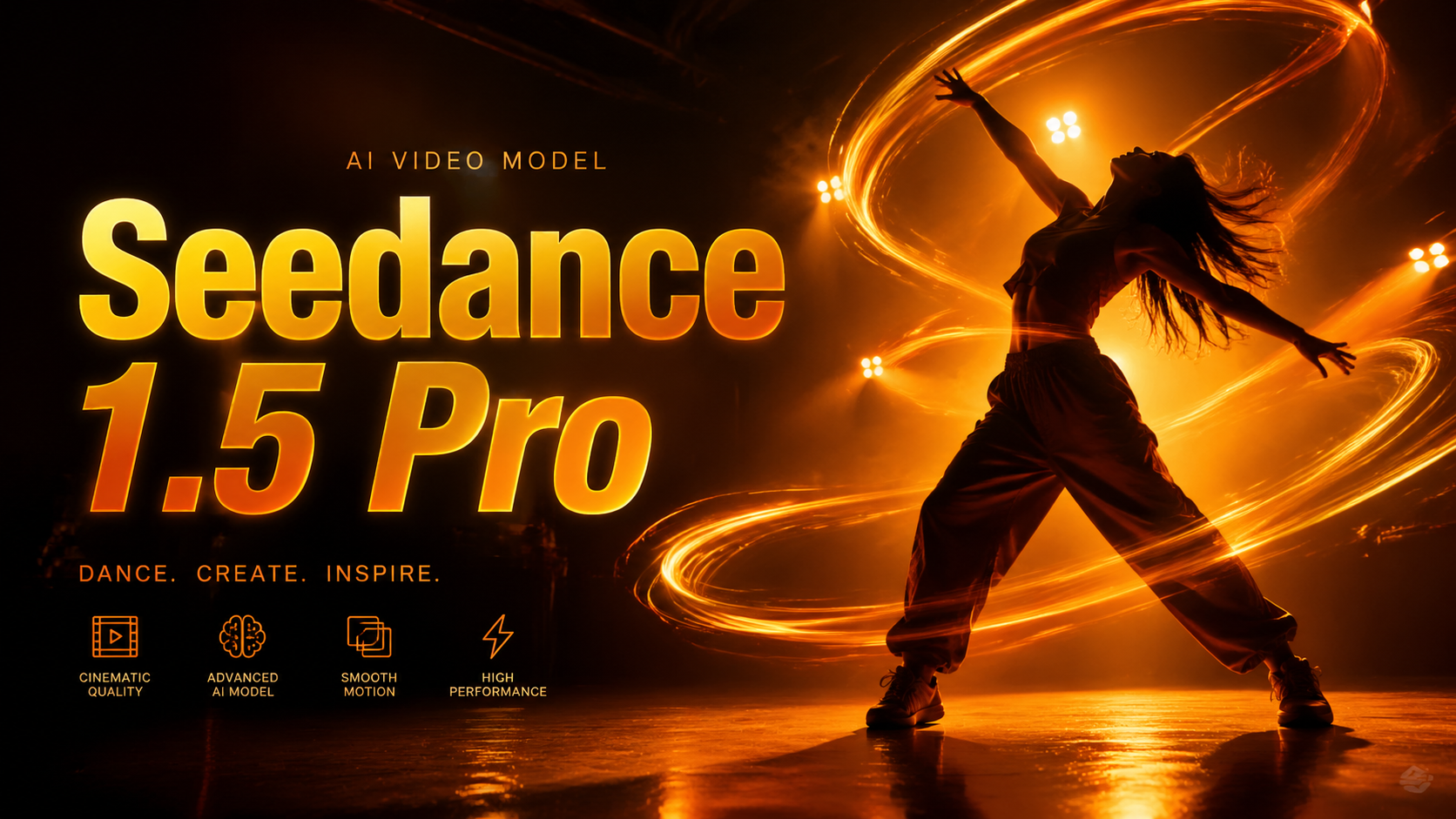
ByteDance's advanced video generation model. Seedance 1.5 Pro excels at character animation with precise lip-sync and natural expressions. Features realistic motion physics, supports multiple aspect ratios (1:1, 21:9, 4:3, 3:4, 16:9, 9:16), and offers flexible duration options (4s, 8s, 12s) with optional audio generation.
Lip-Sync ExpertCharacter AnimationNatural ExpressionAudio Integration+2
查看详情
Seedance 2

Seedance 2

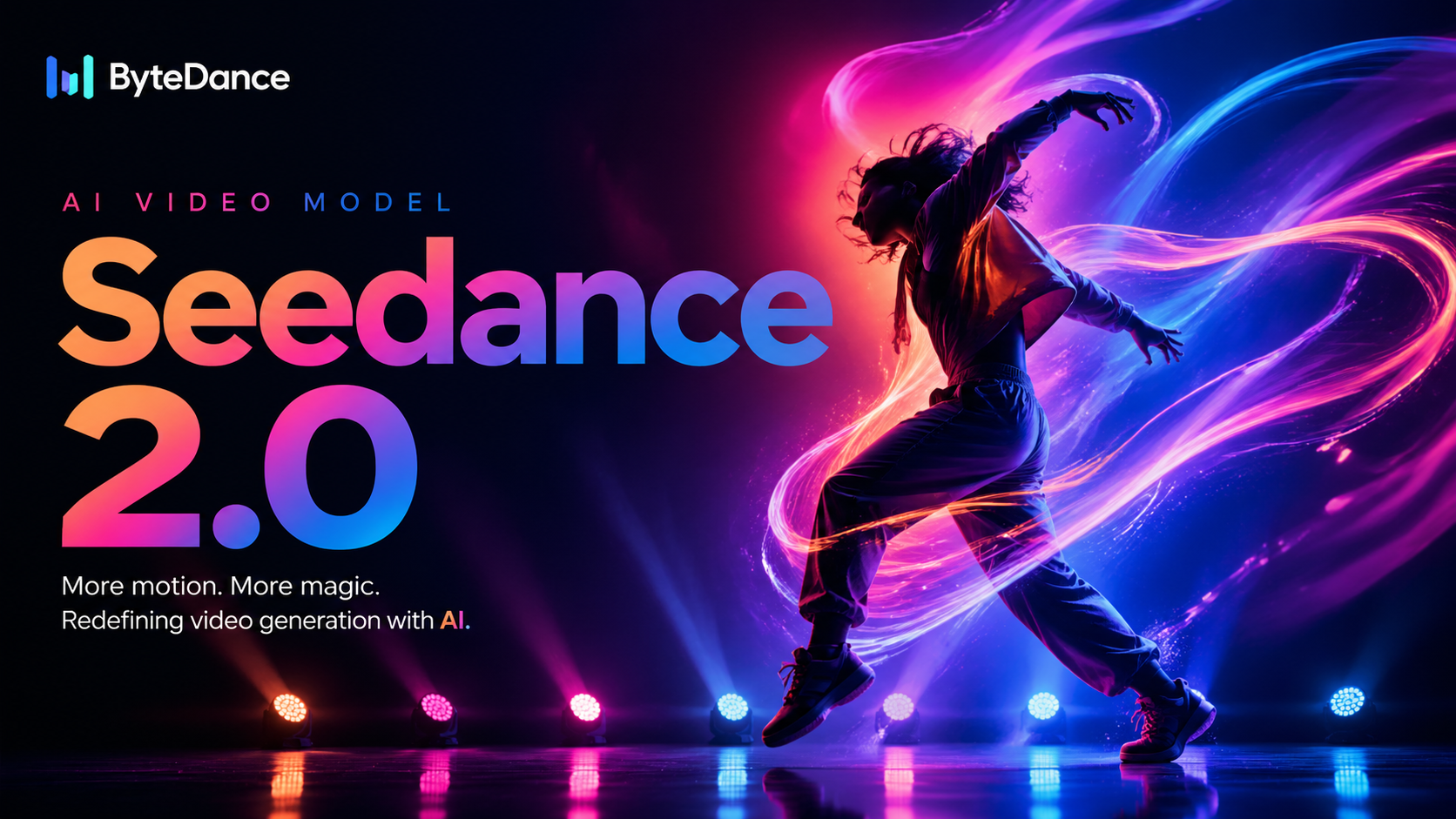
ByteDance's next-generation video model focused on high visual quality, complex motion, and multi-modal reference control. Seedance 2 supports text, image, video, and audio inputs, making it ideal for professional video production that needs stronger consistency and richer camera language.
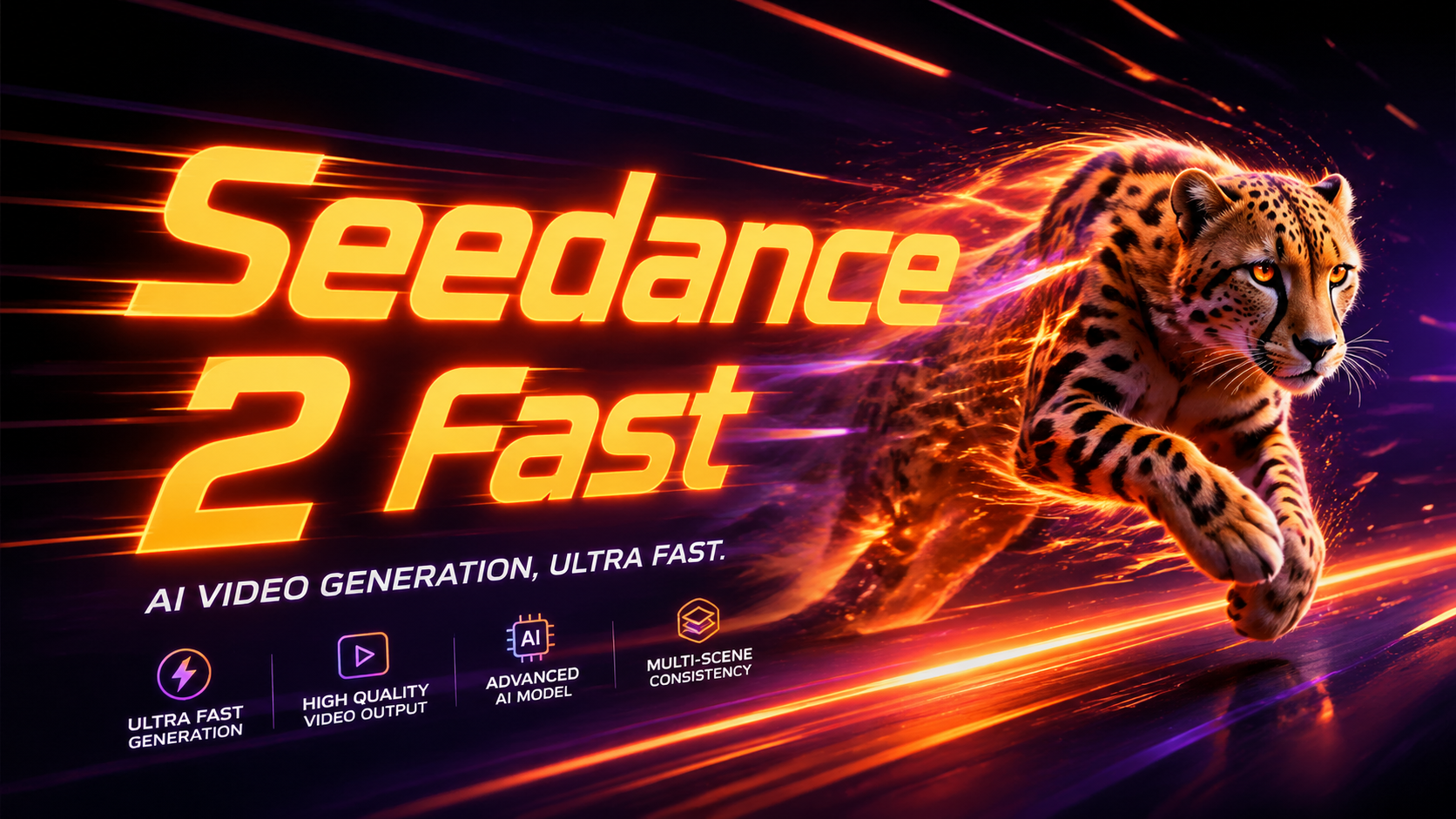
High visual qualityComplex motionMulti-modal inputsVideo reference support+2
查看详情
Seedance 2 Fast

Seedance 2 Fast

The faster and more cost-efficient version of Seedance 2. It is ideal for rapid iteration, prompt testing, and high-volume content production while still supporting image, video, and audio references.
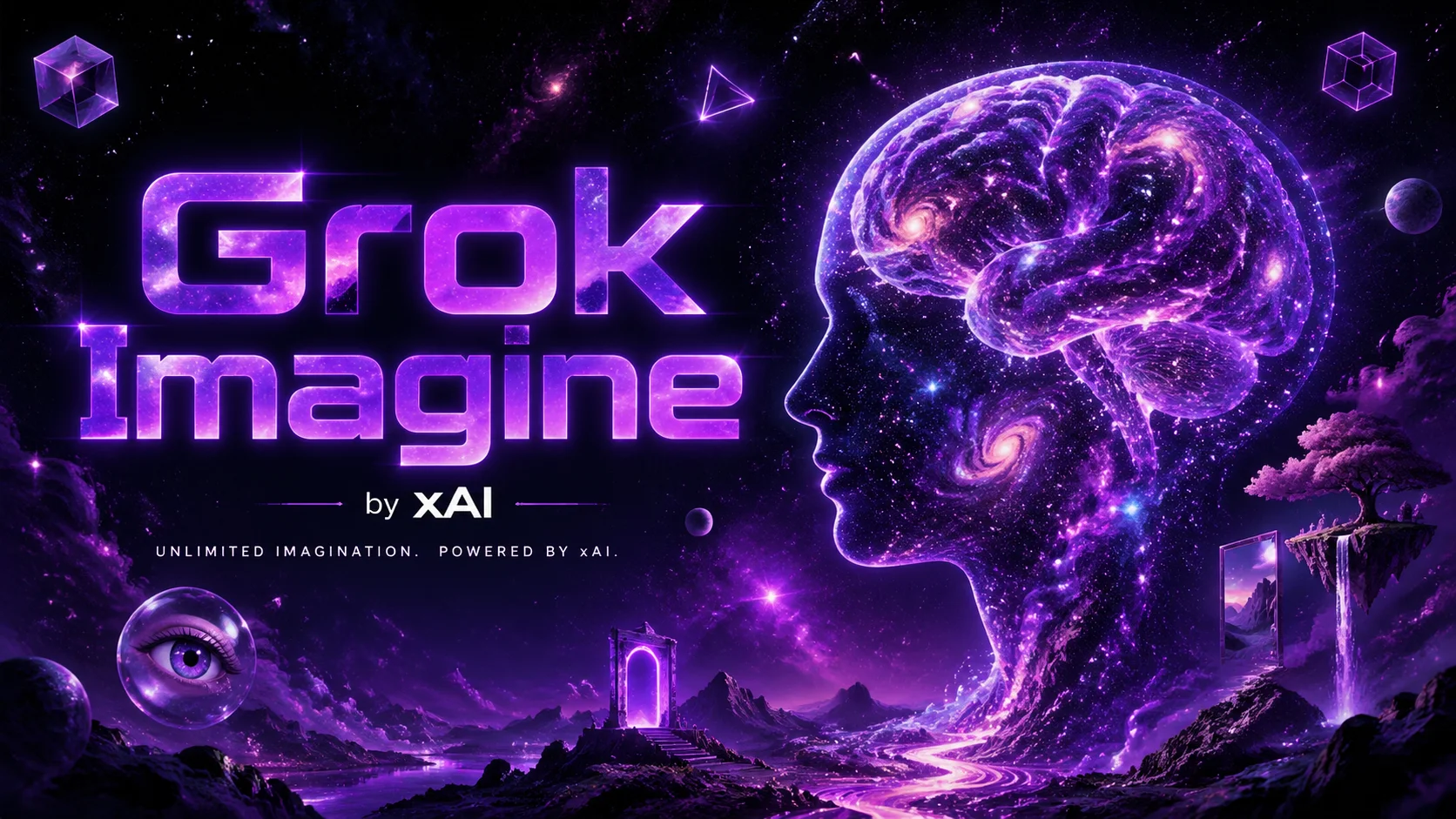
Faster generationBetter cost efficiencyMulti-modal supportGreat for batch testing+2
查看详情
Grok Imagine

Grok Imagine

Creative video generation model from xAI. Grok Imagine excels at transforming text descriptions into imaginative video content, supports multiple aspect ratios (2:3, 3:2, 1:1, 9:16, 16:9), offers three style modes (fun, normal, spicy), perfect for creative content production and rapid prototyping.
Rich ImaginationDiverse StylesInstruction FollowingRapid Prototyping+2
查看详情
Grok Video

Grok Video

Grok Video is xAI's advanced video generation model supporting 6s, 10s, 12s, 16s, and 20s durations. Supports text-to-video and image-to-video with up to 5 reference images. Offers multiple aspect ratios (16:9, 9:16, 2:3, 3:2, 1:1) and up to 5000 character prompts for detailed creative control.
Multiple DurationsHigh Quality OutputImage Reference SupportFlexible Aspect Ratios+2
查看详情
Gemini Omni

Gemini Omni

Gemini Omni is Google's advanced video generation model powered by Omni-Flash-Ext. Supports text-to-video, single image-to-video, and 3-image reference fusion. Offers 4/6/8/10 second durations with 16:9 and 9:16 aspect ratios.

Multi-Image FusionFlexible DurationHigh Quality OutputImage Reference+2
查看详情
FAQ

AI Text to Video Generator FAQ

Common questions about AI Text to Video Generator.

  • 01

    An AI text to video generator creates video clips from written descriptions. You describe the subject, action, camera movement, and style, then the AI generates a video.

  • 02

    Include the subject, action, environment, camera movement, lighting, style, and mood. Specific prompts usually produce more controllable videos.

  • 03

    Yes. Use realistic visual details, natural motion cues, and clear camera instructions to improve realism.

  • 04

    Text-to-video starts from a prompt only. Image-to-video starts from a reference image and is better when you want to preserve a specific subject or design.

AI Text to Video Generator

Turn written prompts into short AI videos for stories, ads, product shots, social posts, and cinematic scene ideas.

Start creating
user 1
user 2
user 3
user 4
user 5

10,000+ users